Two websites, same traffic, same ad spend. One earns twice the revenue of the other. The difference is conversion rate: the percentage of visitors who take the action you want. A site converting at 4% instead of 2% needs half the traffic to make the same money — which makes conversion rate optimization the highest-leverage work most site owners never do.
CRO sounds technical, but it’s just a disciplined way of asking: where are visitors dropping off, why, and what can we change? This guide shows you the math, the seven levers that move conversion rates, a beginner-friendly 30-day process, and the mistakes that quietly kill conversions.
The Math That Makes CRO Your Best Investment
Your site gets 5,000 visitors a month and converts 1% — 50 customers. Doubling traffic to 10,000 gets you 100 customers, but doubling traffic usually means doubling ad spend or months of SEO work. Instead, lift conversion to 2%: same 5,000 visitors, 100 customers, zero extra traffic cost.
This is why CRO beats traffic-chasing for small sites. Traffic is expensive; conversion improvements are mostly free — clearer headlines, faster pages, better buttons. Every point you gain multiplies the value of all your existing traffic, and a high-converting site survives on less traffic when ad costs rise.
Set a baseline before you touch anything: find your current conversion rate for your main goal in your analytics and write it down. You can’t improve what you haven’t measured.
Finding the Leaks: Where Visitors Actually Drop Off
Don’t guess what’s broken — look. Three free methods reveal your leaks:
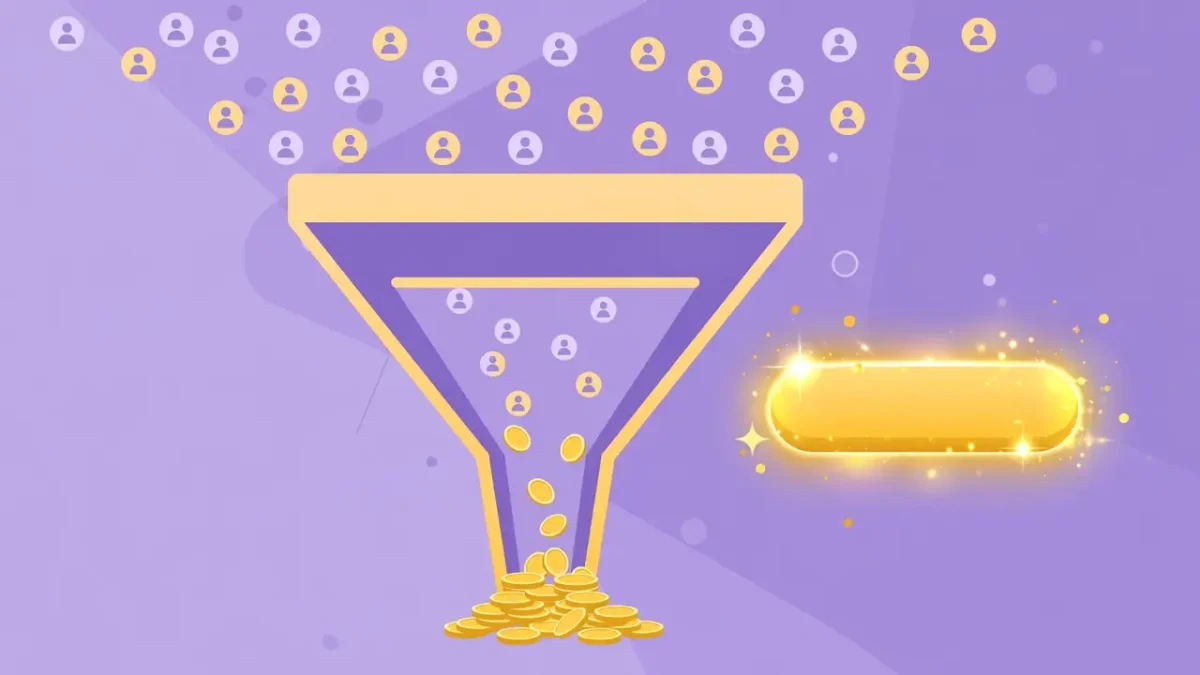
- The funnel view. Map the steps to conversion and find the biggest drop. That’s your leak; fixing anything else first is wasted effort.
- Heatmaps. See where visitors click and how far they scroll. If nobody reaches your call-to-action, it’s a placement problem, not an offer problem.
- Session recordings. Watch a handful of anonymized sessions — rage-clicks and hesitation that no report captures. Ten recordings often reveal what a month of data can’t.
Common leaks: the first screen of a landing page (message mismatch), pricing pages (sticker shock without context), and long forms. Fix the biggest drop first.
The Seven Levers That Move Conversion Rates, In Priority Order
1. Message match. Your page must deliver exactly what the visitor expected when they clicked. An ad promising “50% off running shoes” that lands on a generic homepage converts terribly. Match headline to the promise that brought them — this single fix often produces the biggest jump.
2. Clarity of the offer. A visitor should understand what you sell and what to do next within five seconds. Vague headlines, jargon, and buried calls-to-action are conversion killers. State the offer plainly, then make the next step unmissable.
3. Trust signals. First-time visitors are skeptical. Reviews, testimonials, guarantees, secure-checkout badges, and real photos of real people lower the perceived risk. Place trust signals near the decision point, not buried on an about page.
4. Speed. Every extra second of load time costs conversions — mobile visitors are the least patient of all. Compress images, cut heavy scripts, and test on a real phone, not just your laptop. The full playbook is in Website Speed Optimization: Make Your Site Load Faster With These Proven Steps.
5. Friction removal. Count the steps between arrival and conversion, then kill every unnecessary one. Shorter forms, guest checkout, autofill, fewer clicks — each removed step lifts completion. Ask only for information you truly need at that moment.
6. Mobile experience. Most of your traffic is on phones, yet most sites are designed on desktops. Tiny buttons, unreadable text, and popups that cover the screen destroy mobile conversion. Mobile SEO in 2026: How to Optimize Your Website for Mobile Users and Google Rankings covers the mobile fixes that matter most.
7. Urgency and relevance. Honest urgency — limited stock that’s really limited, a genuine deadline — nudges fence-sitters. Fake countdown timers that reset on refresh destroy trust instead. Use urgency sparingly and truthfully.
A Simple 30-Day CRO Process for Beginners
You don’t need a CRO agency. Run this loop:
Week 1 — Measure and find the leak. Set your baseline conversion rate. Build the funnel, find the biggest drop, and watch ten session recordings of visitors who hit that step and left.
Week 2 — Fix the obvious. Apply the levers above to the leaking step: clarify the headline, add trust signals, cut form fields, speed up the page. Don’t redesign everything — change the leaking step only.
Week 3 — Test one change properly. Run a simple A/B test of your fix against the original. One variable at a time; two weeks minimum or enough visitors to trust the result.
Week 4 — Lock in and repeat. Keep the winner, document what you learned, and move to the next-biggest leak. CRO is a loop, not a project — each cycle compounds the last.
Between cycles, keep your pages earning the clicks they deserve. A page that converts well still needs visitors, and compelling search snippets bring them — Title Tags and Meta Descriptions: How to Write Snippets That Win More Clicks shows how to write them.
Free Tools That Do the Job
Your analytics platform (Google Analytics 4) covers measurement. For the rest: Microsoft Clarity gives free heatmaps and session recordings with no traffic limits — start here. Google Optimize’s successors and free tiers of tools like VWO handle A/B testing for small sites. A simple spreadsheet tracks your tests and results. That’s a complete CRO stack for zero cost until you’re converting at serious volume.
Mistakes That Quietly Kill Conversions
- Changing everything at once. If you rewrite the headline, swap the image, and move the button simultaneously, you’ll never know what worked. One change per test.
- Copying competitors blindly. Their audience, traffic, and offer differ from yours. Their winning design may flop on your site. Steal ideas, not implementations — then test.
- Ignoring the thank-you page. The moment after conversion is when trust peaks. Ask for the review, offer the referral, suggest the upsell — while they’re happiest.
- No clear next step. Pages that end without a call-to-action leak visitors who were ready to act. Every page needs one obvious next step.
- Testing without enough traffic. A test needs enough visitors to reach a reliable result. Low-traffic sites should test big, bold changes (whole headlines, whole layouts) rather than button colors.
- Forgetting internal pathways. Visitors don’t only convert on landing pages — they wander. Smart internal links guide them toward conversion pages instead of dead ends. Internal Linking Strategy: How to Structure Links for Better SEO Results explains how to build those pathways.
CRO FAQ
What is a good conversion rate? It depends entirely on the action and industry — 1–3% is typical for e-commerce purchases, much higher for email signups with a strong incentive. Compare against your own past, not someone else’s benchmark.
How long does CRO take to show results? Quick wins (clarity, speed, friction) can lift conversions within days of implementation. Tested, compounded improvements build over months. Expect meaningful change in 60–90 days of consistent work.
Can I do CRO with low traffic? Yes, but adapt: fix obvious leaks and friction first (no test needed), and when you test, test dramatic changes so smaller samples still show clear winners.
Is CRO a one-time project? No — it’s a habit. Audiences change, competitors move, and what won last year decays. The 30-day loop above keeps you improving indefinitely.
Keep Reading
- Title Tags and Meta Descriptions: How to Write Snippets That Win More Clicks
- Website Speed Optimization: Make Your Site Load Faster With These Proven Steps
- Mobile SEO in 2026: How to Optimize Your Website for Mobile Users and Google Rankings
- Internal Linking Strategy: How to Structure Links for Better SEO Results