
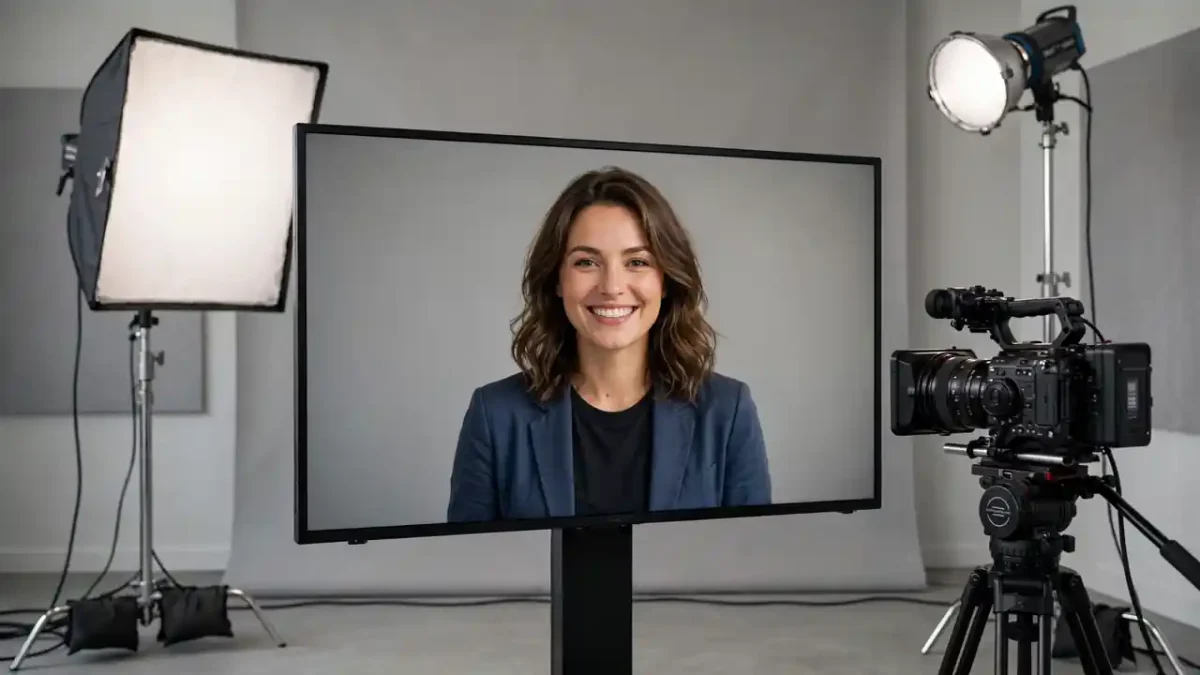
A company needs the same safety training video in six languages. A course creator updates one price in a lesson and dreads re-recording the whole thing. A small business wants a friendly presenter on its website but has no camera, no studio, and nobody who enjoys being filmed. These are the problems AI avatar presenters were built for: type a script, choose a digital presenter, and receive a talking-head video without a shoot. The results can look impressively natural — and occasionally slightly unsettling. Here is what is actually happening behind the screen.
What an AI Avatar Presenter Actually Is
An AI avatar presenter is a software-generated person (or a digital double of a real person) who appears to speak your script on camera. Most services offer a library of stock presenters of different ages, appearances, and presentation styles; some also let a person record a short sample of themselves and create a personal avatar from it. Either way, the “performance” you watch was never filmed as a performance. It was assembled: the words were converted to speech, and the face and upper body were animated to match. Understanding that assembly explains both the strengths and the strange moments.
The Three Ingredients: Face, Voice, Script
The face begins as reference footage. Stock avatars are built from recordings of real actors filmed in a studio, and personal avatars from your own submitted video. The system studies how that person’s face moves when speaking — mouth shapes, blinks, head tilts, expressions — and learns to reproduce those movements for speech it has never heard from them.
The voice is text-to-speech, the same family of technology covered in our explainer on AI voice generators and voice cloning. The script is converted into spoken audio with timing information: which sounds occur, and exactly when.
The script is your contribution, and it matters more than people expect. Text written for the eye reads stiffly when spoken; short sentences, natural pauses, and conversational phrasing make the final video noticeably more human.
How the Lip Sync Works
The core technical challenge is synchronization. Human speech is a stream of distinct sounds, and each sound corresponds to a rough mouth shape — think of the wide open shape for “ah” versus the pressed lips for “m.” The system maps the generated audio sound by sound, drives the avatar’s mouth to the matching shapes at the matching moments, and layers in the secondary motions that sell realism: blinking, slight head movement, raised eyebrows at emphasis points. When it works, your brain accepts the illusion completely. When timing slips by even a fraction, or the mouth shapes lag the audio, the illusion collapses — which is why you sometimes see avatar videos that feel fine for ten seconds and then suddenly “off.”
Quality varies between services and between languages, and it improves steadily. Judging a service by a long sample in your actual target language, not a short demo in English, is the reliable way to choose.
Where Avatars Genuinely Help
- Training and onboarding. Consistent delivery, instant updates when a policy changes, and no re-shoots — this is the strongest use case, and it is why avatars spread through corporate learning first.
- Multilingual versions. The same presenter can deliver the same lesson in many languages, something no single human employee can do. Creators making presenter-led content, like the styles explored in our talking head video prompt guide, use this to reach audiences they could never film for.
- Frequent, formulaic updates. Product explainers, internal announcements, and course modules that change regularly benefit most, because the cost of the second hundred videos is barely more than the first.
- Camera-shy creators. Plenty of knowledgeable people will happily write a script who would never sit in front of a lens; avatars give them a face for video — with the disclosure caveat below.
The Uncanny Problem and Other Honest Limits
Avatar videos carry a recognizable flatness: perfect posture, even lighting, emotions that stay in a narrow band. For information delivery that hardly matters; for persuasion, storytelling, or anything emotional, a real person’s presence still wins by a wide margin, and audiences can usually tell the difference within seconds. Long videos expose the limits fastest — repetition in gestures becomes noticeable — so experienced users keep avatar segments short and mix them with slides, screen recordings, and b-roll, exactly as a good editor would with any presenter footage. The production side connects naturally to our guide on how text-to-video AI works, since avatars and generated footage increasingly appear in the same videos.
Ethics and Consent: The Non-Negotiables
Two rules are not optional. First, never create an avatar of a real person without their clear permission — reputable services require proof of consent for personal avatars, and bypassing that is both unethical and, in many places, unlawful. Second, be transparent with viewers where it matters: an avatar delivering your own training content is a production choice, but an avatar presented as a real customer, doctor, or newsreader crosses into deception. The wider risks of synthetic people are serious enough that we cover them separately in our article on deepfakes and how to spot them. Most avatar platforms charge subscriptions based on minutes of video produced, and prices and features change often — check the official site before committing.
Choosing a Presenter and Voice That Fit
Selection matters more than most buyers expect. Match the presenter to the material: a grave compliance topic delivered by an exuberant presenter creates a tonal clash viewers feel even if they cannot name it. Consider your audience’s language and region — accents carry trust signals, and the right regional accent can matter as much as the right face. Test the specific voice on your real script, including your company name, product names, and any technical vocabulary, because pronunciation failures cluster exactly there, and services differ noticeably in how much pronunciation control they offer. Also check what happens at renewal time: some services retire presenters or voices, and a course library built on a discontinued avatar becomes expensive to update. Treat the presenter choice like casting, because that is what it is — you are hiring a face for your content, just one that happens to be made of software.
Making One: The Basic Workflow
- Write the script for the ear, in short spoken sentences, and read it aloud once.
- Choose a presenter and voice that fit the audience and topic; test thirty seconds before generating an hour.
- Generate, watch critically for sync and pronunciation problems, and fix them in the script (spelling a word phonetically often cures a mispronunciation).
- Edit the result with slides, captions, and supporting footage rather than publishing the raw avatar alone.
Done this way, avatar presenters are neither a gimmick nor a replacement for human presenters — they are a practical production tool for a specific, common kind of video, and they will keep getting harder to spot. All the more reason to use them openly.
A final practical note on quality control: generate your longest, most important video last, not first. Work through a short test video end-to-end — script, presenter, voice, captions, export — so every setting is proven before the expensive generation. Keep the project files and scripts organized the way you would for filmed content, because updating an avatar video six months later is only easy if you can find the exact script and settings that produced the original.