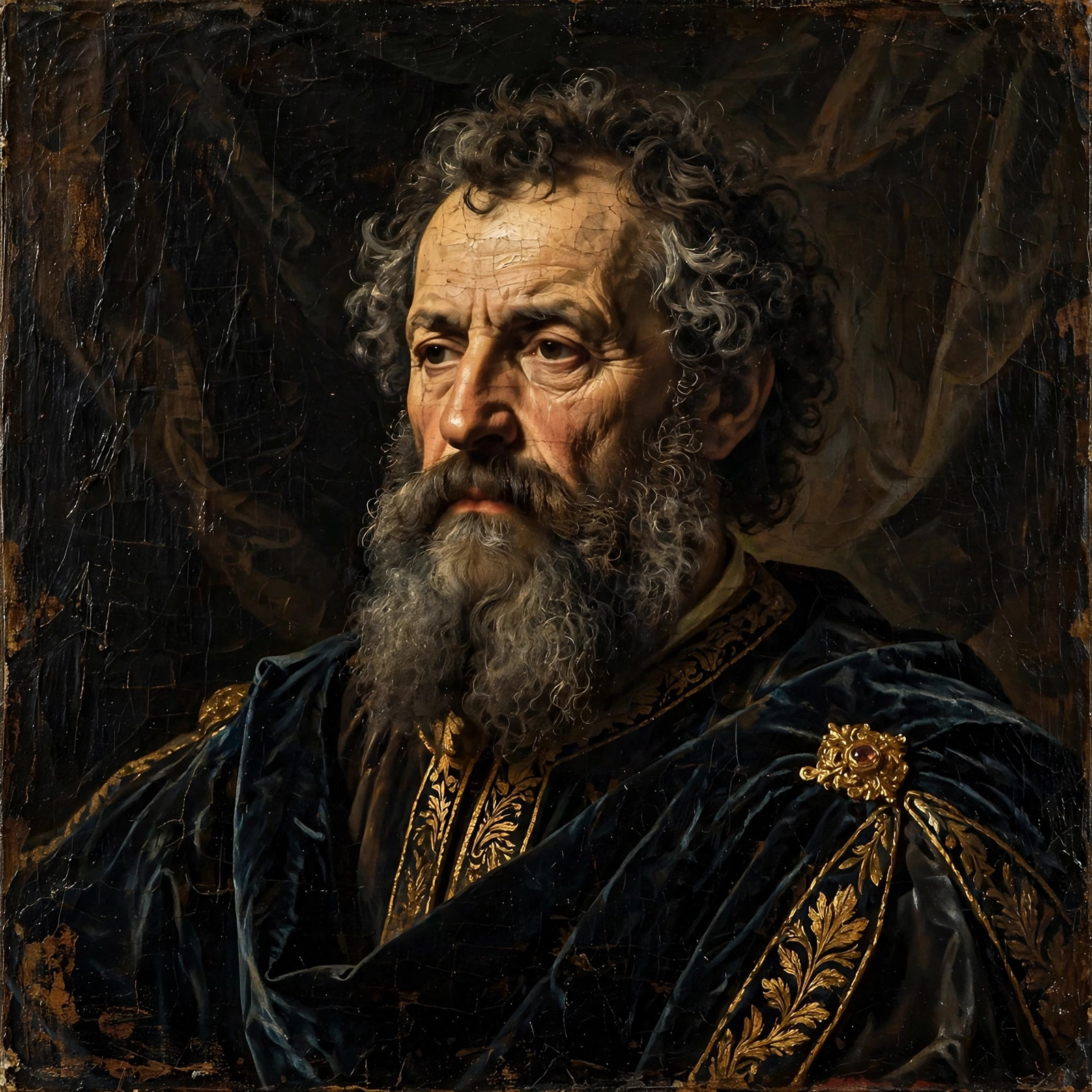
Every few months a new portrait trend goes viral, but oil-painting portraits never really leave. There’s something about being rendered like Renaissance nobility — the velvet, the candlelight glow, the weight of it — that a filter can never quite fake.
The prompt below is written for that museum quality: dramatic light-and-dark contrast, visible brushwork, and period clothing that sells the illusion. Copy it, describe yourself in era-appropriate dress, and give the AI a calm, composed photo to work from.
The Full Prompt — Ready to Copy
Renaissance oil painting portrait of [a dignified man in his 40s with a beard], wearing elegant dark velvet robes, dramatic chiaroscuro lighting, rich oil paint texture with visible brushstrokes, dark atmospheric background, masterful composition like Leonardo da Vinci, museum masterpiece quality, ultra-detailed
Negative prompt:
photograph, modern clothes, cartoon, blurry, distorted face, flat digital look, watermark, oversaturated
Putting This Prompt to Work
- Choose a dignified photo. Renaissance portraits favor composed, three-quarter poses — a calm, straight-on photo with a neutral expression works best.
- Use a painterly-capable tool: Midjourney excels at oil painting; Stable Diffusion with artistic checkpoints, Leonardo.ai, and DALL·E 3 also produce beautiful results.
- Paste the prompt, describing yourself in the brackets. Include era clothing (“velvet robes”, “lace collar”, “silk gown”) — modern clothes break the illusion instantly.
- Generate several versions and study the hands and clothing folds — those reveal AI quality differences most.
- Refine the mood: Too dark? Add “soft window light”. Want more grandeur? Add “ornate golden frame visible” or “palace interior background”.
Make the Prompt Your Own
- Pick your master: “in the style of Leonardo da Vinci” (soft, mysterious), “like Rembrandt” (dramatic light/dark), “like Raphael” (graceful, balanced), or “like Caravaggio” (intense, theatrical).
- Choose your role: “noble aristocrat”, “philosopher scholar with books”, “military commander in armor”, or “elegant lady with pearls” — each tells a different story.
- Background storytelling: “distant Italian landscape through a window” (Mona Lisa homage), “dark library with globe”, or “stormy sky” add narrative depth.
- Texture is everything: “visible brushstrokes”, “canvas texture”, and “glazed oil finish” separate real painting looks from digital fakes.
- Pose like nobility: Add “three-quarter pose, hand resting on a book” — Renaissance portraits rarely faced fully forward.
Try These 3 Twists
1. The Da Vinci
oil painting in the style of Leonardo da Vinci, portrait of [a woman with an enigmatic slight smile], sfumato soft shading, distant misty landscape background, Renaissance masterpiece, museum quality
2. The Rembrandt
Rembrandt style oil portrait of [an elderly man with deep wrinkles], dramatic chiaroscuro, face emerging from darkness, rich impasto brushwork, 17th century Dutch master painting, profound
3. The Royal Couple
Renaissance double portrait oil painting of [a couple in royal attire], ornate palace interior, rich fabrics and jewels, classical composition, museum masterpiece, ultra-detailed brushwork
Getting Better Results
- Chiaroscuro is the keyword. This single word (dramatic light-dark contrast) does more for Renaissance authenticity than any other term.
- Avoid the “photo with filter” trap: If results look like a photo with a painting filter, add “hand-painted, visible canvas weave, no photographic elements”.
- Crop like a painting: Traditional portraits use 4:5 or 3:4 ratios — never wide 16:9, which screams “screenshot”.
- Best tools: Midjourney’s painterly bias makes it the top choice.
Quick Answers
Will people recognize me in an oil painting portrait?
Good ones preserve likeness well — the AI maps your facial structure under the paint. Keep 2–3 defining features in your description to help.
Can I print it like a real painting?
Yes — and it’s stunning. Print on canvas (not photo paper) at 16×20 inches or larger; canvas texture completes the illusion.
Why do my hands look weird?
Hands are AI’s weakness, especially in painterly styles. Choose compositions where hands are hidden, resting, or simply out of frame.
Is this disrespectful to classical art?
Not at all — portraiture has always been about immortalizing ordinary people. You’re participating in a 600-year-old tradition, just with new tools.
Read Next: More AI Photo Prompts
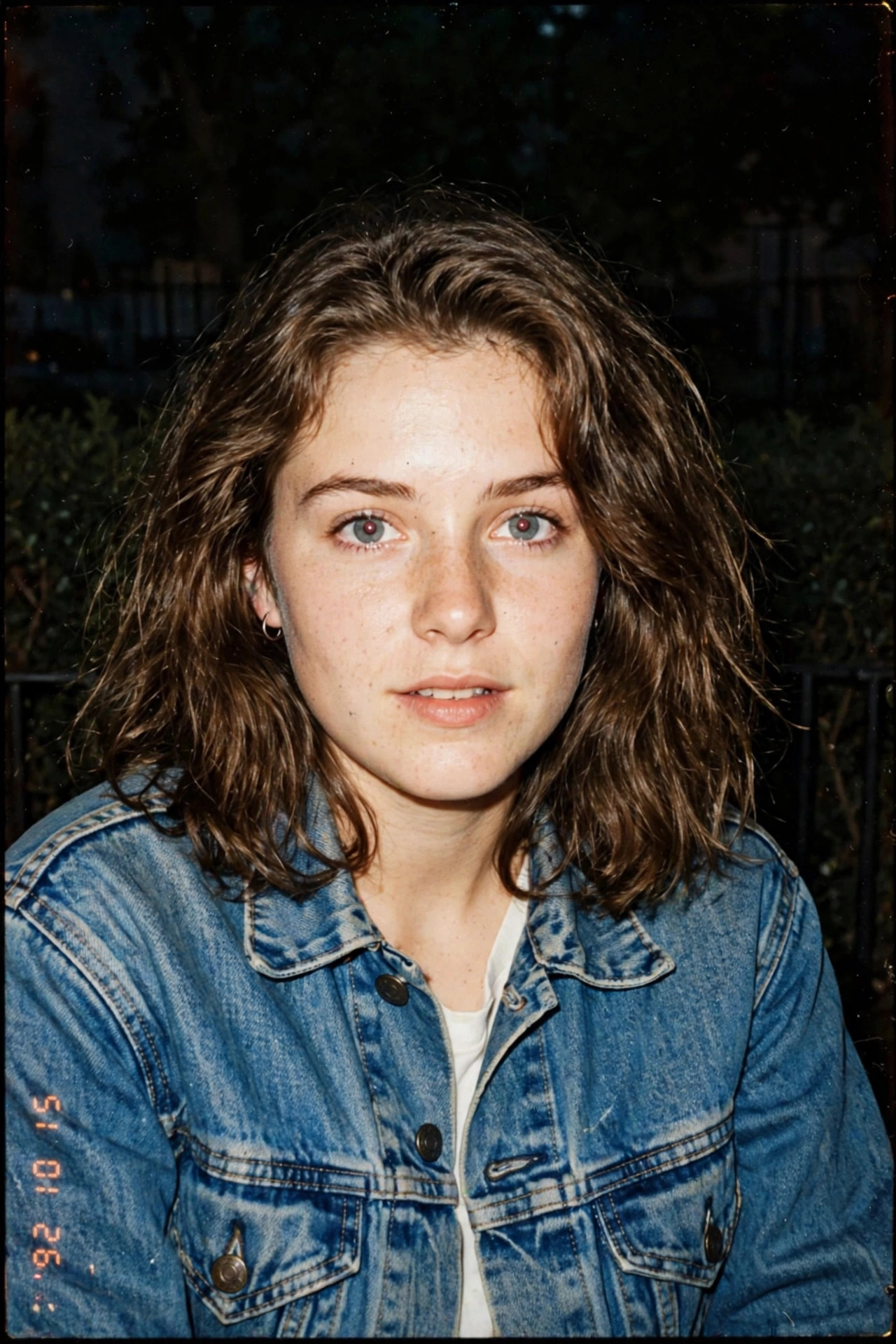
- Vintage 90s Film AI Photo Prompt: Give Your Selfie That Nostalgic Analog Look
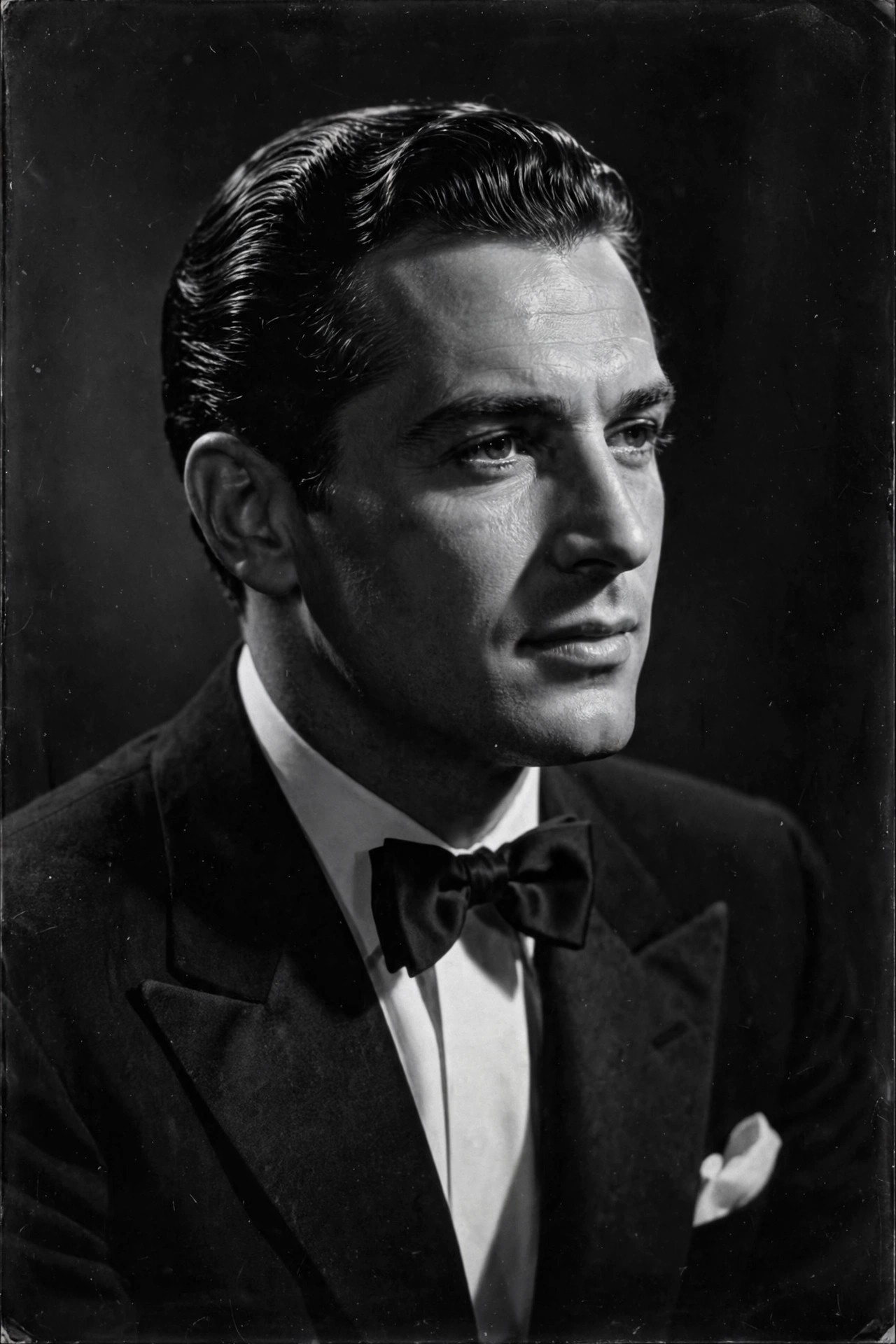
- Black and White Hollywood AI Photo Prompt: Timeless Classic Portrait Style
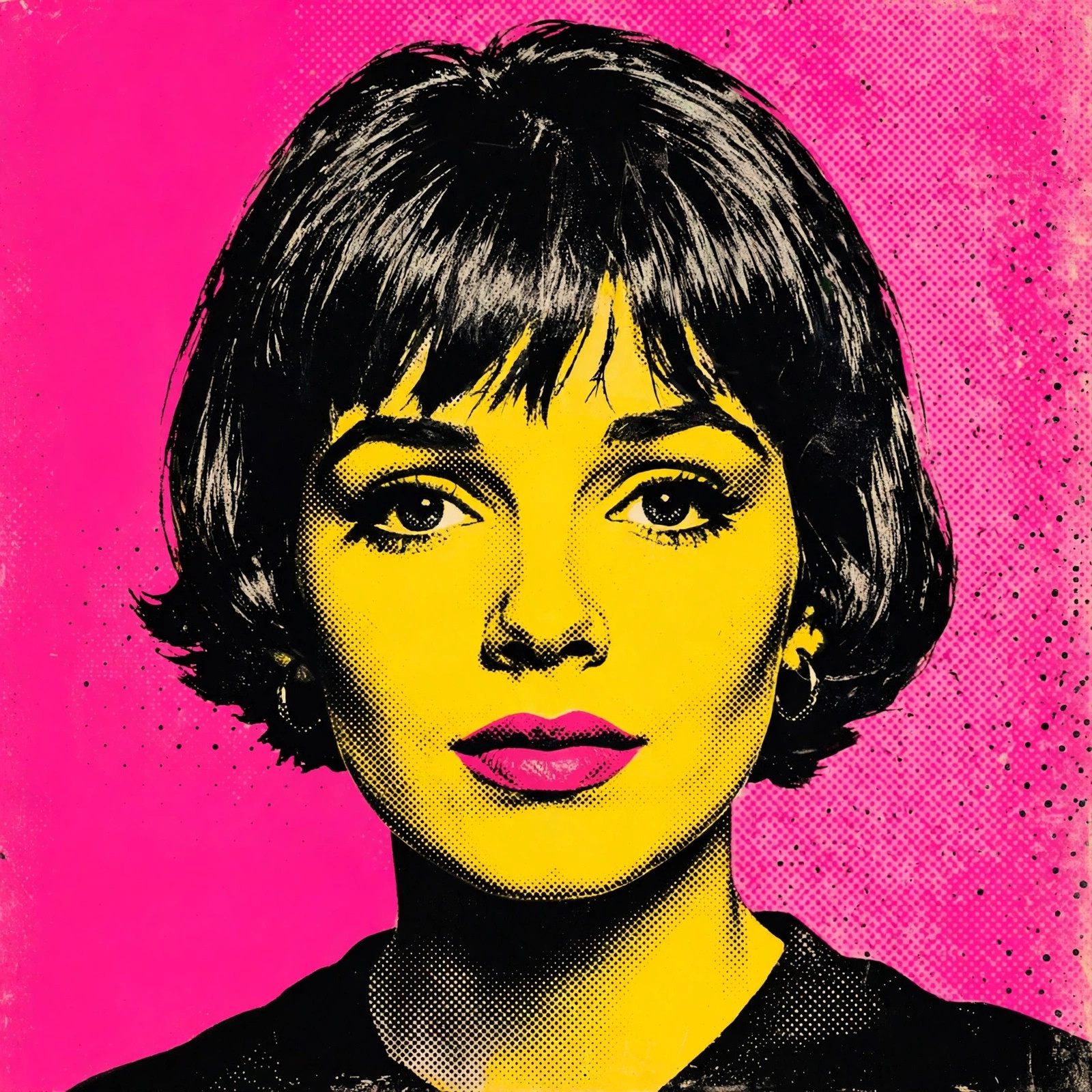
- Pop Art AI Photo Prompt: Turn Your Photo into Warhol-Style Art