
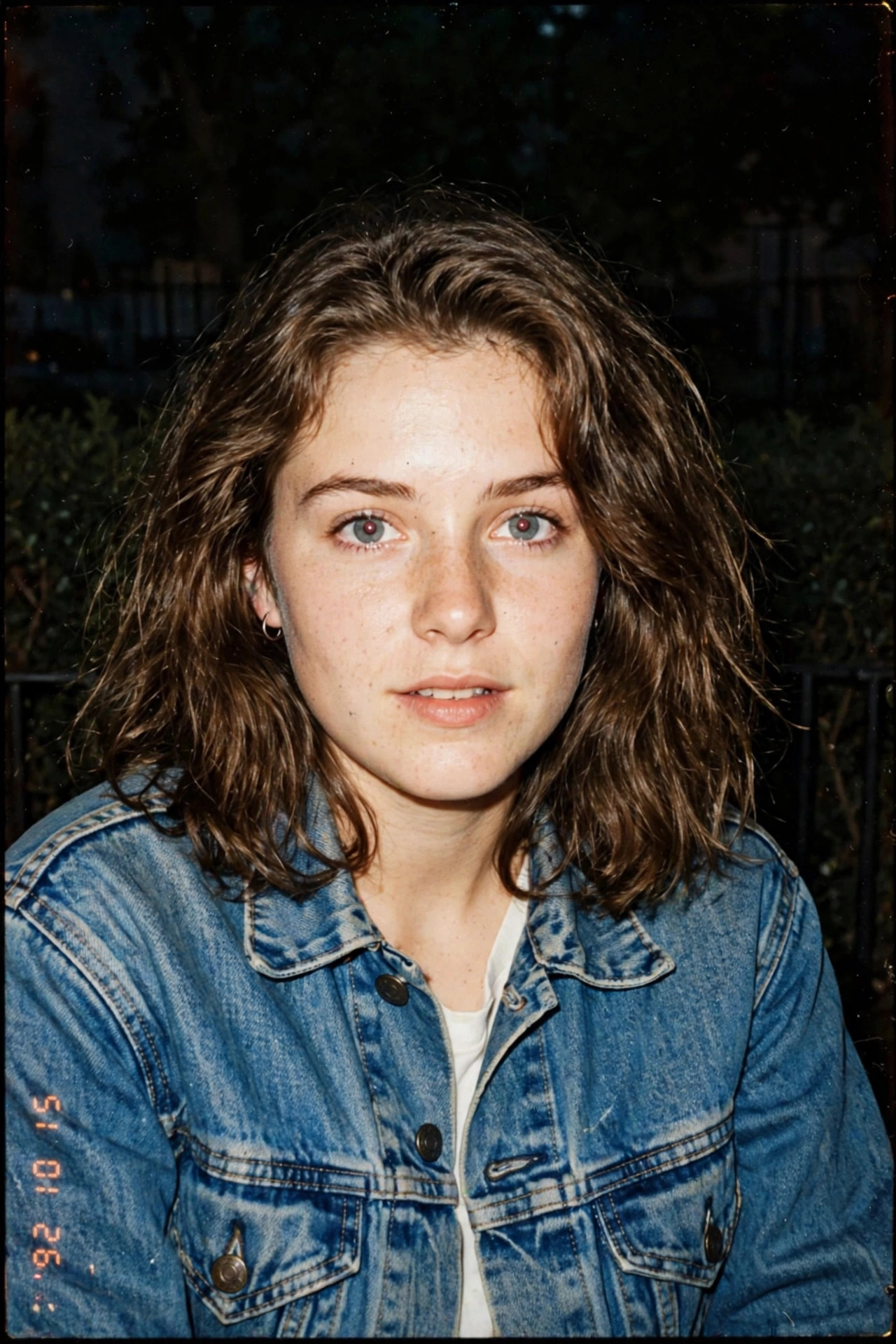
There’s a reason grainy 90s photos are everywhere again. After years of over-smoothed, over-filtered selfies, a harsh flash and faded colors feel honest — like a real moment instead of a performance. The imperfections are the whole point.
The prompt below recreates that disposable-camera look: direct flash, warm faded tones, and just enough grain to feel rescued from a family album. Copy it, pick a candid photo as your starting point, and resist the urge to clean anything up.
Your Copy-Paste Prompt
vintage 90s film photograph portrait of [a young woman with shoulder-length hair wearing a denim jacket], direct on-camera flash, grainy texture, warm faded colors, slight motion blur, candid snapshot feel, date stamp aesthetic, 35mm analog film look, authentic 1990s photography
Negative prompt:
modern digital look, over-edited, beauty filter, smooth skin, hdr, oversaturated, studio lighting, watermark
From Prompt to Finished Result
- Start with a casual photo. Unlike studio styles, 90s film loves imperfection — a candid, slightly off-center selfie works better than a posed one.
- Use an image-to-image tool (upload your photo + prompt) for the most authentic transformation. Midjourney, Stable Diffusion, Leonardo.ai, and free apps like Fotor all work.
- Paste the prompt and describe your outfit in the brackets — 90s fashion (denim, windbreakers, band tees) sells the illusion.
- Generate 3–4 versions. Grain and flash intensity vary; pick the one that feels most “found photo”.
- Don’t clean it up. Resist the urge to remove grain or fix the blur — that’s the entire point of the aesthetic.
Customize It for Your Needs
- Pick your film stock: Add “Kodak Gold warm tones” for golden nostalgia, or “Fujifilm greenish tint” for that classic disposable-camera look.
- Change the flash: “harsh direct flash” gives the iconic 90s party-photo vibe; “no flash, natural window light” feels more like a quiet 90s indie film.
- Add period details: “holding a boombox”, “vintage car in background”, or “old arcade machines” instantly date-stamp the image.
- Date stamp: Add the “07 24 96” style date stamp afterward in any photo editor for authenticity.
- Keep faces natural: 90s photos didn’t have beauty filters — add “natural skin, no retouching” to avoid the AI smoothing everything.
Three Ways to Remix It
1. The House Party
vintage 90s film photo of [a group of three friends look-alike], house party at night, direct flash, red-eye effect, grainy, warm faded colors, candid laughing moment, disposable camera aesthetic
2. The Road Trip
vintage 90s film photograph of [a man with sunglasses leaning on a vintage car], desert highway, harsh sunlight, faded warm tones, film grain, slight light leak on edge, nostalgic road trip snapshot
3. The Yearbook Candid
90s high school yearbook candid photo of [a teenage girl with a scrunchie], classroom background, on-camera flash, grainy texture, faded colors, authentic 1990s analog photography
Pro Tips Worth Knowing
- Grain is the soul. If your tool has a “film grain” or “analog” preset, use it — text prompts alone sometimes under-deliver grain.
- Aspect ratio: 4:5 or square (1:1) feels most authentically 90s; wide 16:9 looks too modern.
- Color is key: The faded, slightly-yellow warmth is what reads as “90s”. If results look too clean, add “faded, low contrast, warm color cast”.
- Free route: The “1990s” or “Film” filters in Remini or VSCO-style presets can finish the job.
Questions, Answered
Why do 90s film photos look better than modern selfies to many people?
Imperfection feels honest. Grain, blur, and harsh flash remove the “trying too hard” quality of modern edited photos.
Can I make a real photo look 90s without AI?
Absolutely — apps like VSCO, HUJI Cam, and Dazz Cam simulate film stocks convincingly. AI is better when you want to change the scene or outfit too.
Why does my result look too clean and digital?
Add stronger degradation words: “heavy grain, light leaks, faded, blurry edges”. Some tools default to clean output and need pushing.
Is the 90s trend fading?
Analog nostalgia comes in waves and has stayed strong for years. Even as trends shift, film-style portraits remain timeless profile pictures.
More to Explore: More AI Photo Prompts
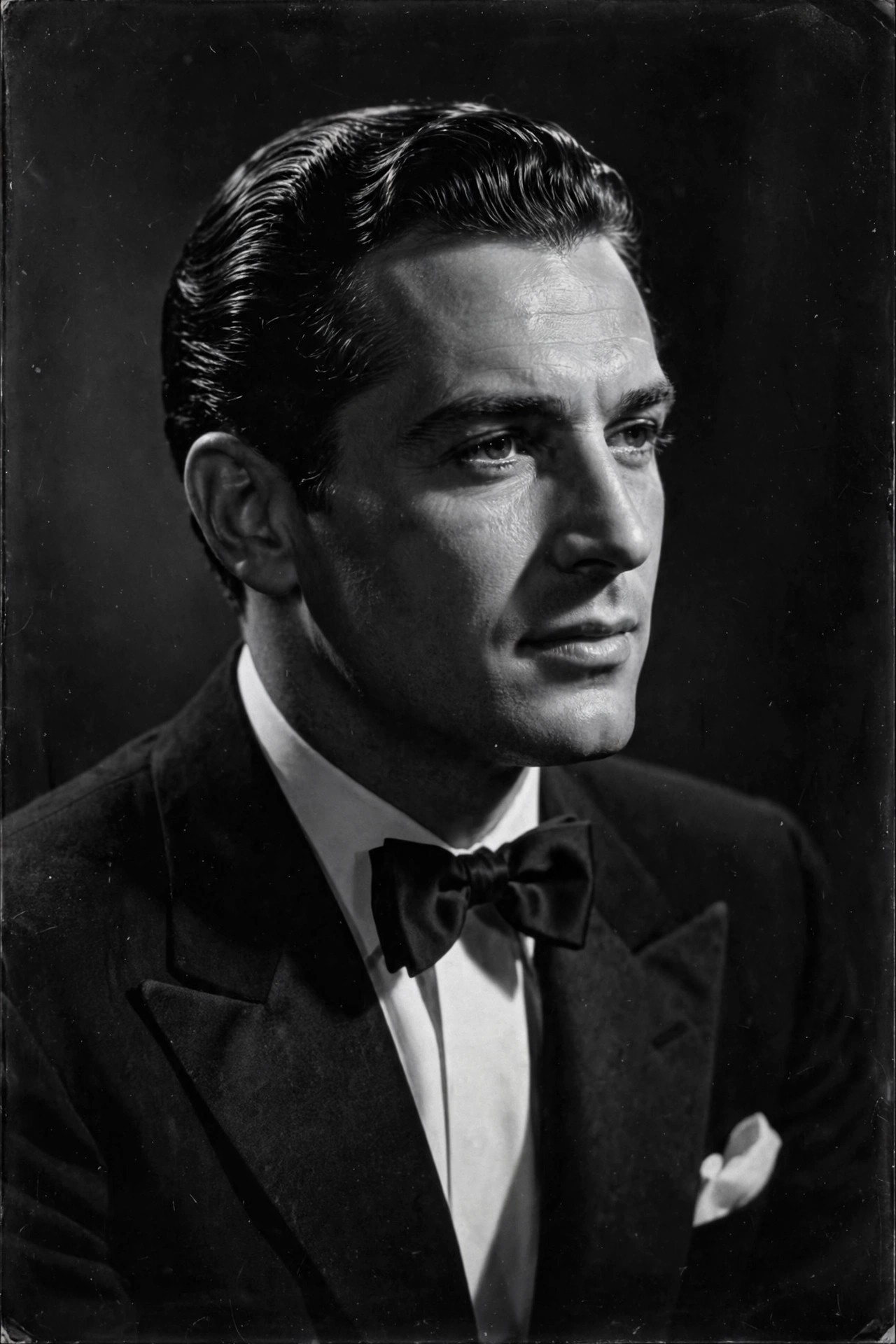
- Black and White Hollywood AI Photo Prompt: Timeless Classic Portrait Style
- Pop Art AI Photo Prompt: Turn Your Photo into Warhol-Style Art
- Renaissance Oil Painting AI Photo Prompt: Your Portrait as a Museum Masterpiece
Keep Reading
- Black and White Hollywood AI Photo Prompt: Timeless Classic Portrait Style
- Pop Art AI Photo Prompt: Turn Your Photo into Warhol-Style Art
- Renaissance Oil Painting AI Photo Prompt: Your Portrait as a Museum Masterpiece
- Watercolor Painting AI Photo Prompt: Turn Your Selfie into a Delicate Watercolor Portrait


One Comment