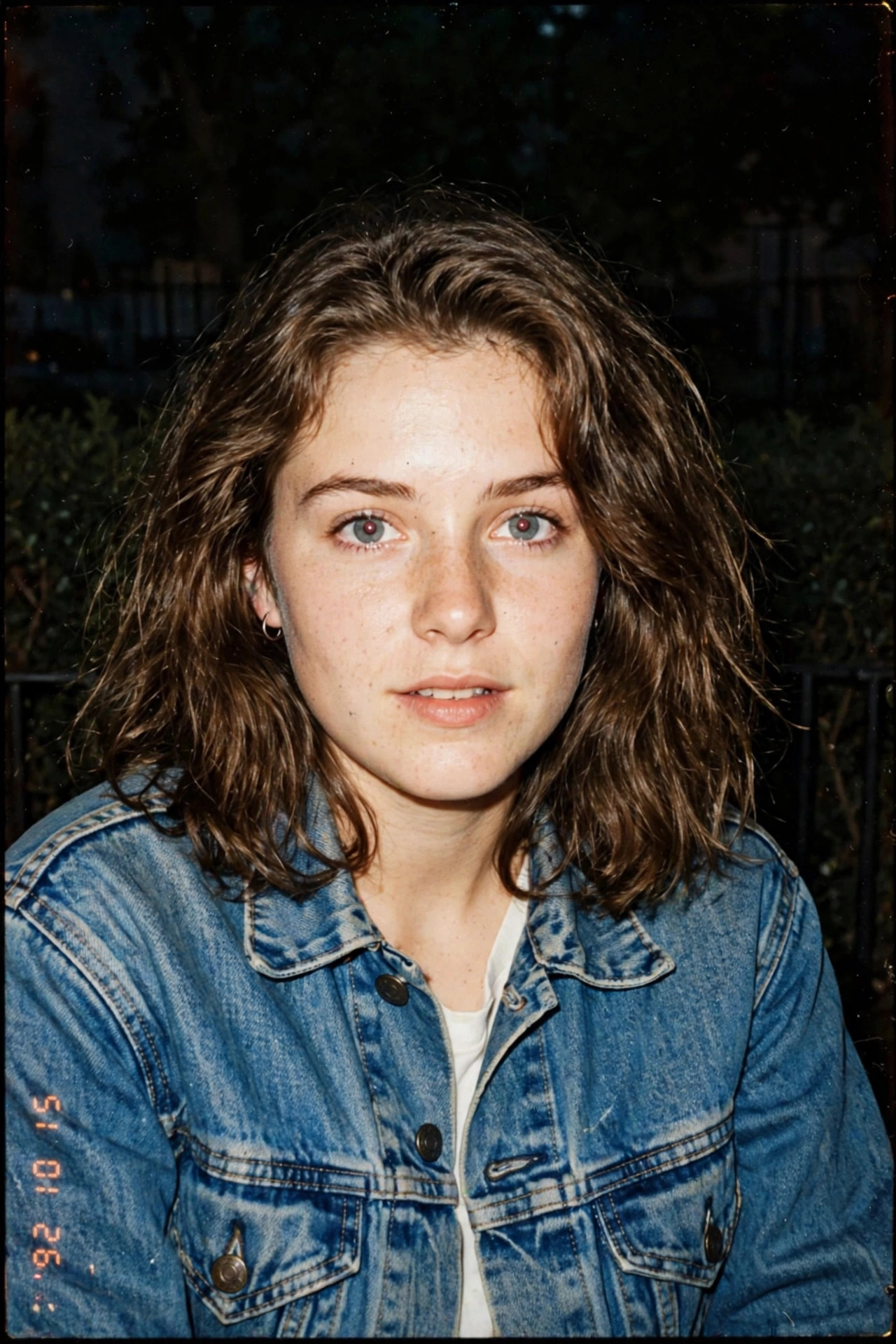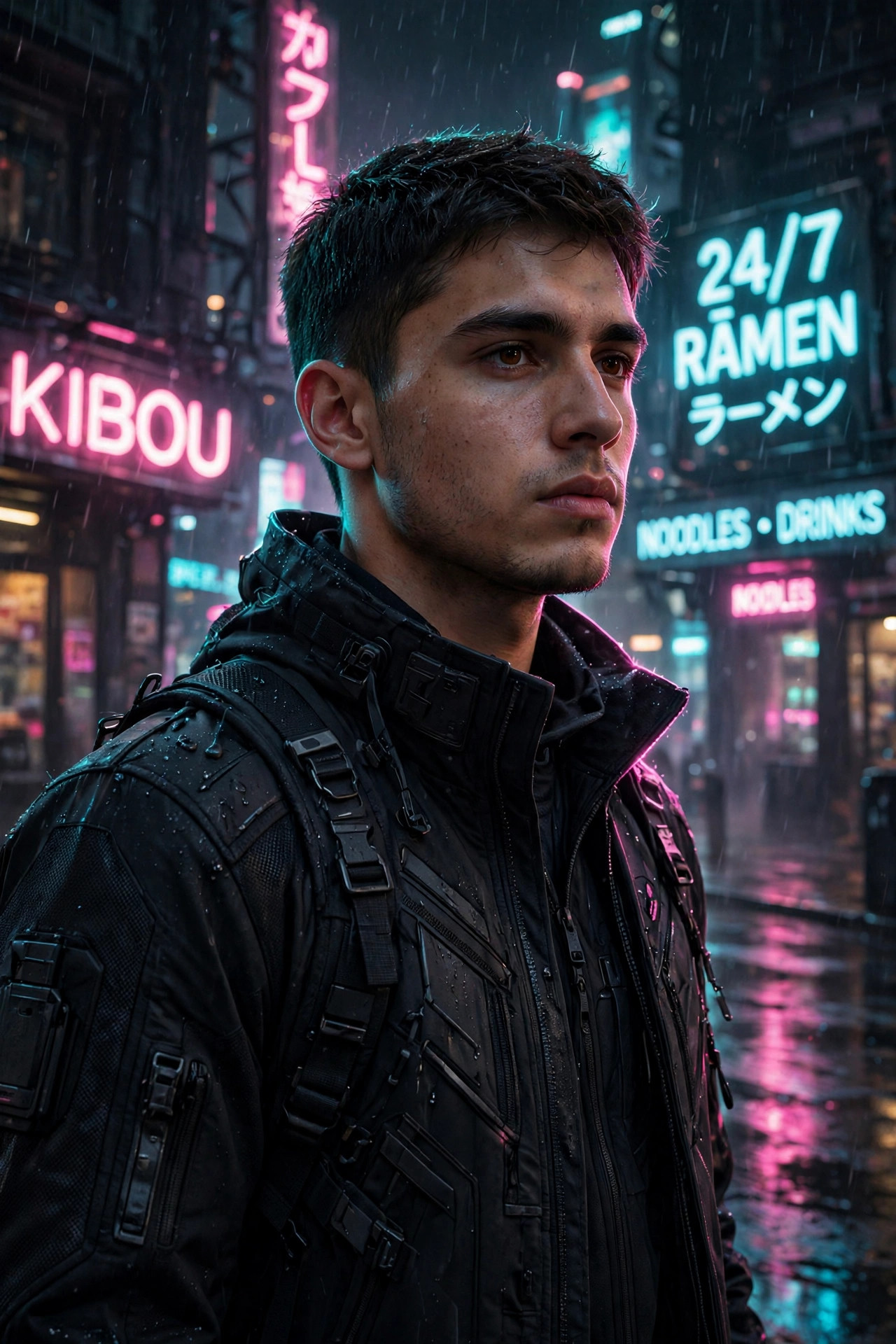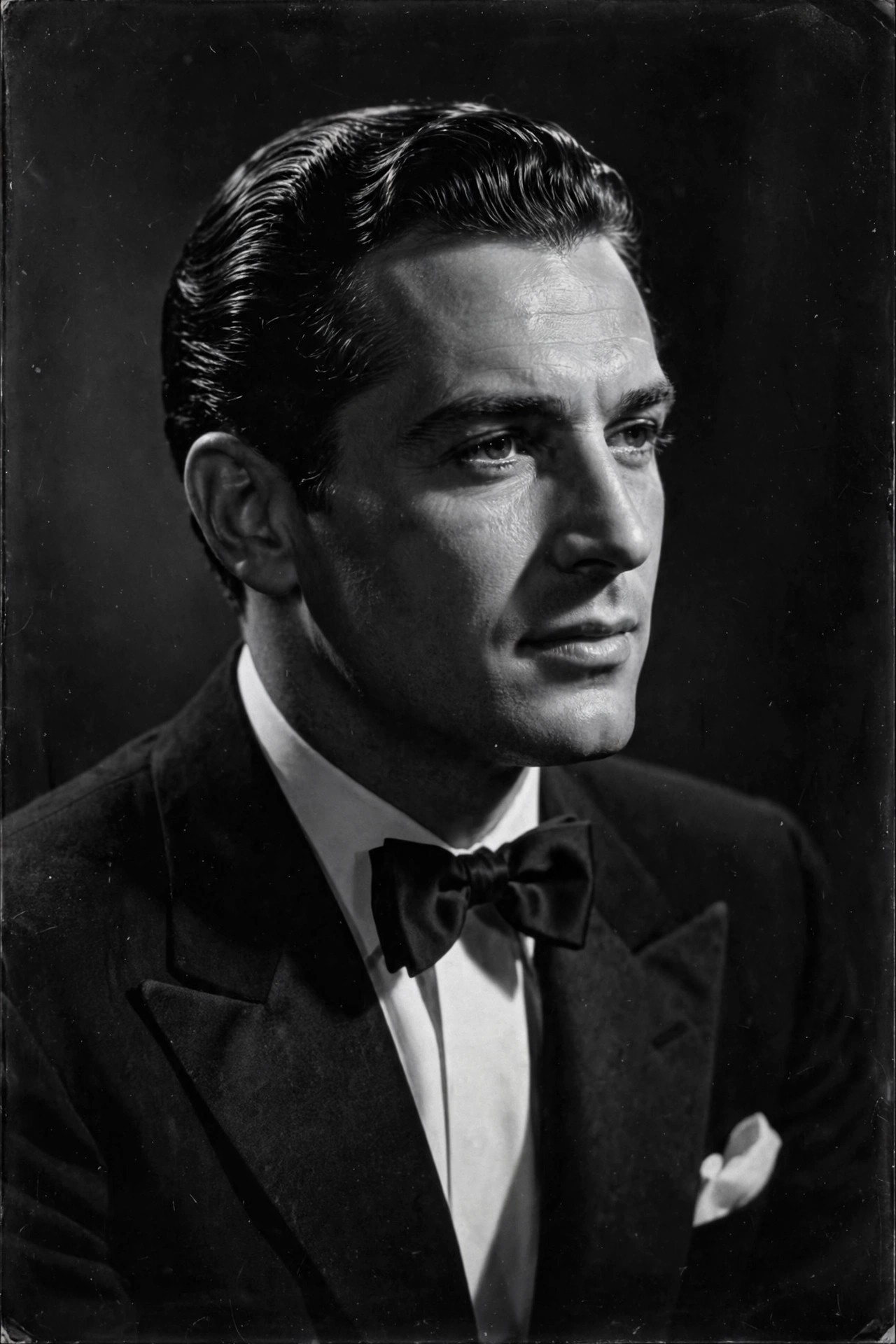
Color can hide a lot — bad lighting, clashing clothes, a messy background. Strip it away and all that’s left is light, shadow, and you. That’s why black-and-white Hollywood portraits from the 1940s still look expensive today: monochrome borrows a century of prestige.
The prompt below is built for that silver-screen glow — dramatic studio lighting, deep shadows, and fine film grain. Copy it, choose a photo with decent contrast to start from, and pay special attention to the eyes: in black and white, they carry everything.
Your Prompt, Ready to Go
classic black and white Hollywood portrait of [an elegant woman in her 30s with vintage waves hairstyle], dramatic studio lighting, deep shadows, soft key light sculpting the face, 1940s film star glamour, silver gelatin print aesthetic, timeless elegance, ultra-detailed, sharp focus
Negative prompt:
color, modern, cartoon, blurry, distorted face, overexposed, harsh contrast clipping, watermark
Using the Prompt Step by Step
- Choose a photo with good bone structure visibility. Black and white lives on contrast — a clear, front-facing photo with defined lighting works best.
- Use any major AI image tool — Midjourney, DALL·E 3, Leonardo.ai, Stable Diffusion, or one-tap apps like Remini’s B&W filters.
- Paste the prompt, adapting the bracketed description to your own look. Mention era-appropriate styling (“vintage waves”, “classic suit”) for authenticity.
- Generate several versions and compare the lighting — the magic is in how shadows fall across the face.
- Check the eyes. In B&W, dull eyes ruin everything. If they lack sparkle, add “catchlights in eyes”.
Personalize Your Result
- Pick your era: “1920s silent film star” (dramatic, theatrical), “1940s film noir” (mysterious, shadowy), or “1950s glamour” (soft, radiant).
- Lighting is everything: “Rembrandt lighting” gives the classic triangle of light on the cheek; “butterfly lighting” was the Hollywood glamour standard.
- Wardrobe: “tuxedo with bow tie”, “elegant evening gown”, or “fedora and trench coat” each evoke a different classic film genre.
- Texture: Add “fine film grain, silver gelatin print texture” for an authentic analog photograph feel rather than digital B&W.
- Expression: Classic portraits favored subtle, confident expressions — “mysterious slight smile” beats a big modern grin here.
3 Ready-Made Variations
1. Film Noir Detective
black and white film noir portrait of [a man in a fedora and trench coat], venetian blind shadows across face, cigarette smoke curling, 1940s detective movie still, dramatic chiaroscuro, silver gelatin aesthetic
2. Golden Age Actress
vintage 1950s Hollywood glamour portrait of [a woman with classic red lips look in monochrome], butterfly lighting, soft focus glow, pearl necklace, timeless elegance, black and white fine art photography
3. The Tortured Artist
dramatic black and white portrait of [a young man with tousled hair], intense gaze into camera, deep shadows, textured concrete wall background, fine art photography, moody, ultra-detailed
Small Tweaks, Big Difference
- Contrast control: If the AI crushes shadows to pure black, add “rich midtones, detailed shadows”. If it’s too flat, add “strong contrast”.
- Skin in B&W: Without color, skin texture becomes very visible — “smooth yet natural skin” keeps it flattering.
- Composition: Classic Hollywood loved tight close-ups. Add “tight crop, face fills frame” for maximum drama.
- Print it: This is one of the few AI styles worth printing — B&W hides AI artifacts better than color, and it looks stunning framed.
FAQ
Why do black and white portraits look more “premium”?
Removing color removes distractions and cheap cues. Our brains associate monochrome with art and history — it borrows a century of prestige.
Can I just convert a color AI portrait to B&W instead?
You can, but a prompt designed for B&W produces better lighting and contrast decisions from the start. Conversion is a decent shortcut, though.
Will this work for a LinkedIn photo?
It’s stylish but unconventional for conservative industries. Creative fields love it; for finance or law, stick to a color headshot.
How do I avoid the “mugshot” look?
Angled lighting and a slight head turn prevent flat, passport-photo vibes. Never use fully frontal flat lighting in B&W.
Continue Exploring: More AI Photo Prompts
- Vintage 90s Film AI Photo Prompt: Give Your Selfie That Nostalgic Analog Look
- Pop Art AI Photo Prompt: Turn Your Photo into Warhol-Style Art
- Renaissance Oil Painting AI Photo Prompt: Your Portrait as a Museum Masterpiece