
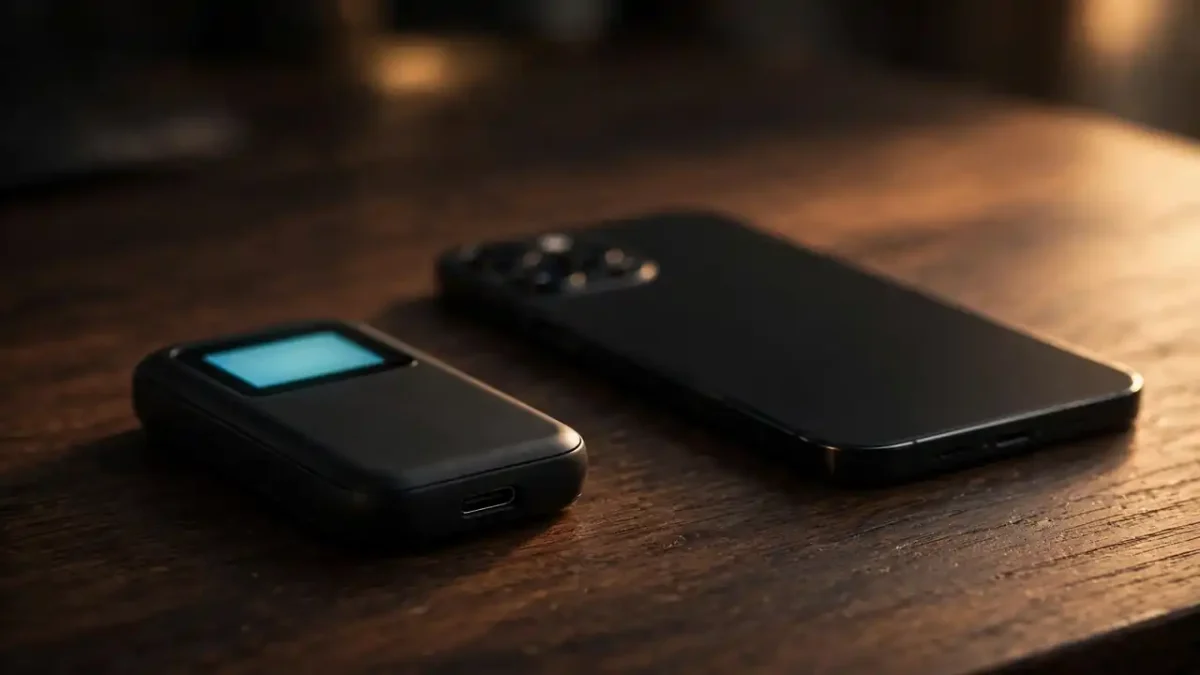
Your first bitcoin usually sits on the exchange where you bought it — fine for about a week. After that, heed the uncomfortable truth every long-time holder learns: coins left on an exchange are coins you do not fully control. Exchanges get hacked, freeze withdrawals, and occasionally collapse — and “but it was my money” does not get it back.
Moving bitcoin into a wallet you control is the single most important security step a beginner can take — it matters most after a sharp crash, when stressed exchanges are shakiest. If “self-custody” and “seed phrase” are new to you, our guide to crypto terms every beginner must know explains them in plain English. The ten options below were chosen for beginner-friendliness, a solid public track record, and genuine self-custody — you, not a company, hold the keys. Every entry carries one honest downside, because every wallet has one.
1. Ledger Nano S Plus
The entry-level hardware wallet most beginners start with. Your private keys never leave the device, and every transaction must be confirmed on its small built-in screen, which blocks most remote attacks. It suits beginners holding an amount they would genuinely miss. The honest downside: the tiny screen and companion-app setup test your patience, and you must buy directly from the manufacturer — secondhand units can arrive tampered with.
2. Trezor Model One
The original open-source hardware wallet, with firmware anyone can inspect for backdoors. Setup walks you through writing down a recovery phrase, and the device keeps your keys offline like its rivals. It suits beginners who value transparency and want the simplest cold-storage experience. The honest downside: USB-only with no wireless option, so signing from a phone feels clunky, and the bare-bones screen is fine for bitcoin but annoying for more complex assets.
3. Coldcard
A Bitcoin-only hardware wallet built for the deeply cautious: it never plugs into an internet-connected computer, signing transactions via a memory card instead. It suits the beginner who has done the reading, holds a serious amount, and wants maximum separation from the internet. The honest downside: the learning curve is steep, the interface looks like a 1990s calculator, and for small balances it is expensive overkill — master a simpler wallet first.
4. Coinbase Wallet
A mobile self-custody app from the company behind the Coinbase exchange — a separate product from your exchange account, which confuses everyone at first. It suits beginners who want to leave exchange storage without buying hardware: you hold your own recovery phrase and the interface is polished. The honest downside: it is a hot wallet, so your phone becomes the vault — malware or a stolen unlocked phone is a real risk. Never hold more here than you could afford to lose.
5. Trust Wallet
A popular mobile wallet supporting bitcoin plus thousands of other coins in one app. It suits beginners who want a single, simple buy-and-swap interface rather than juggling five apps. The honest downside: convenience is the enemy of security — a phone wallet should never hold life-changing amounts, and its enormous coin list tempts beginners into obscure tokens they do not understand, a fast lane to losses unrelated to wallet security.
6. BlueWallet
A clean, Bitcoin-focused mobile wallet that does one job well and hides the complexity. It suits absolute beginners who want the shortest path from “what is a wallet” to “I control my own bitcoin”: setup takes minutes. The honest downside: strictly a hot wallet for small amounts and learning — no hardware-grade security underneath — and its thin feature set means you will outgrow it as your holdings grow.
7. Electrum
The veteran Bitcoin-only desktop wallet, open-source and running since 2011 — ancient in crypto years. It suits the careful beginner who wants a lightweight wallet with excellent hardware-wallet pairing and full control over transaction fees. The honest downside: the interface looks dated and technical, and beginners routinely mis-set fees or get lost among its options — it rewards reading the documentation, which most beginners skip.
8. Exodus
A polished multi-asset wallet for desktop and mobile with built-in exchange features and charts. It suits visual beginners who want crypto to feel like a modern finance app rather than an engineering tool. The honest downside: closed-source software, so you trust the company’s code on faith — and like every hot wallet it should hold only spending-size amounts, which its beauty makes dangerously easy to forget.
9. Sparrow Wallet
A desktop Bitcoin wallet with a clear interface wrapped around genuinely advanced features: coin control, transaction building, and privacy tools. It suits the beginner who pairs it with a hardware wallet and wants to learn how bitcoin works under the hood. The honest downside: desktop-only and assumes more curiosity than the average first-timer has — install it when you are ready to learn, not on day one.
10. Muun Wallet
A mobile self-custody wallet famous for hiding bitcoin’s complexity: one balance, simple send and receive, recovery through a code you write down. It suits the beginner who found every other wallet intimidating and wants to hold a small amount safely while learning. The honest downside: still a hot wallet, recovery depends entirely on you safeguarding that code, and power users will quickly want features it deliberately leaves out.
How to choose: five questions before you commit
How much are you protecting? This question decides everything. Pocket-money amounts are fine in a reputable mobile wallet; anything that would hurt to lose belongs on a hardware wallet. A wallet is only half your safety plan — a written crypto emergency plan covers what you will do when prices fall apart, when most beginners make their worst decisions.
Hot or cold? “Hot” wallets live on internet-connected phones or computers: convenient, but exposed. “Cold” wallets keep keys on offline hardware: clunkier, but far harder to steal from. Beginners often start hot and move to cold as their holdings grow, and that progression is perfectly sensible.
Do you understand the seed phrase? Self-custody means a 12- or 24-word recovery phrase is the actual wallet — lose it and the coins are gone forever; anyone who sees it owns your money. Never photograph it, never type it into a website, and never share it with “support staff.” After a crash is exactly when fake support scams spike, so pair your new wallet with the smart money habits that protect beginners during a crash.
Where are you buying hardware? Only from the manufacturer’s official store. Discounted hardware wallets on marketplaces are a classic tampering vector, and saving a few dollars is not worth the risk. Prices vary by model and region, so check current prices on the official site before buying.
Are you overthinking it? One wallet is enough to start. Pick a mobile wallet for learning money and add a hardware wallet when your balance justifies it — especially once you understand how bitcoin market crashes actually work and why custody matters most when markets panic.
The bottom line
There is no perfect wallet, only the right wallet for your amount, your patience, and your honesty about how careful you will actually be. Start simple, keep big amounts cold, guard your recovery phrase like cash, and remember that the wallet is just the vault — your behavior during the next crash is the real security system.



One Comment